
Export & Import a form for multi-stores.
Now, our forms support the export and import function, which means you can quickly create any form you need in any of your stores. You no longer need to go through the tedious process of recreating forms.
Step1: Export the form you need
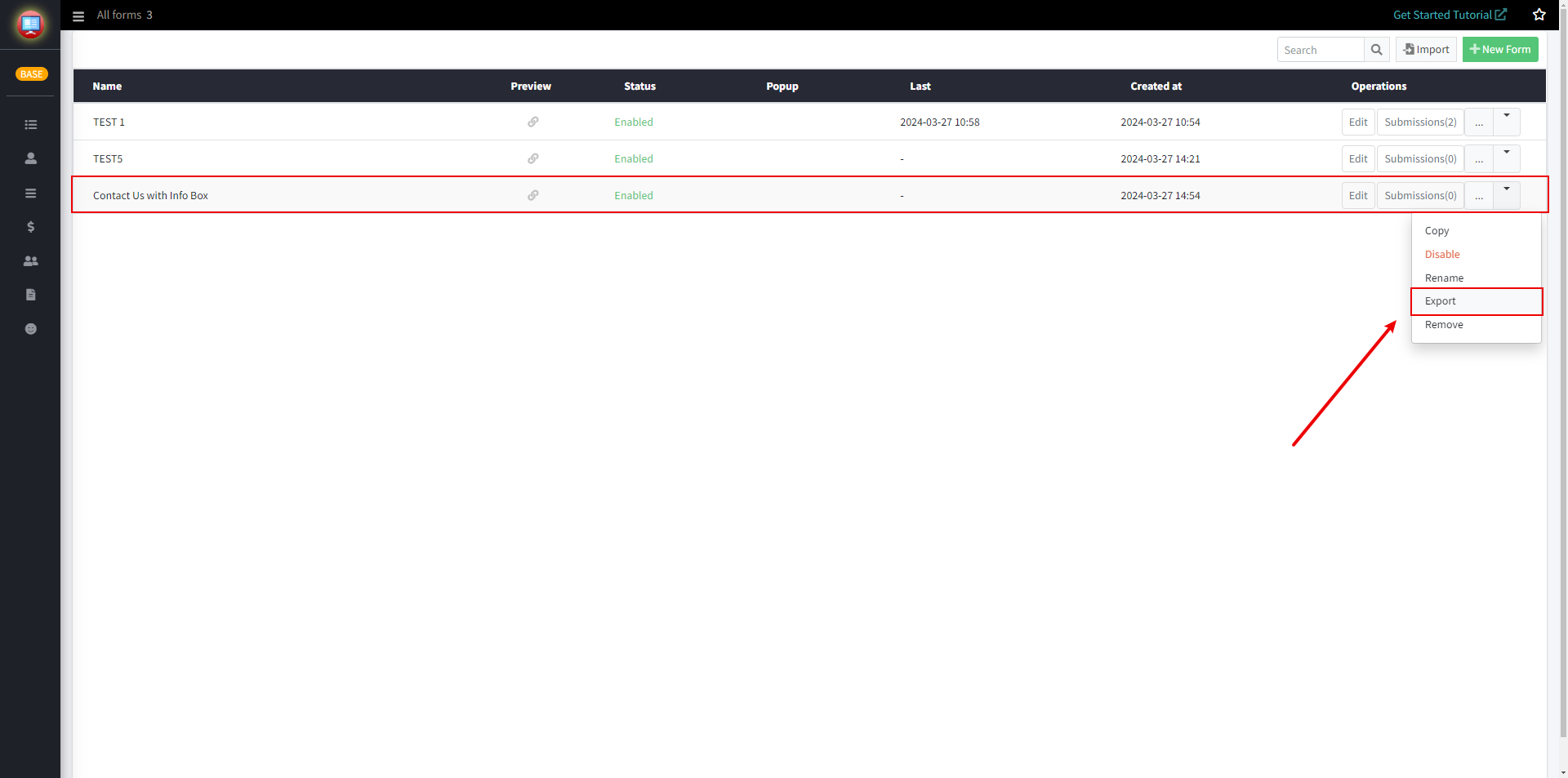
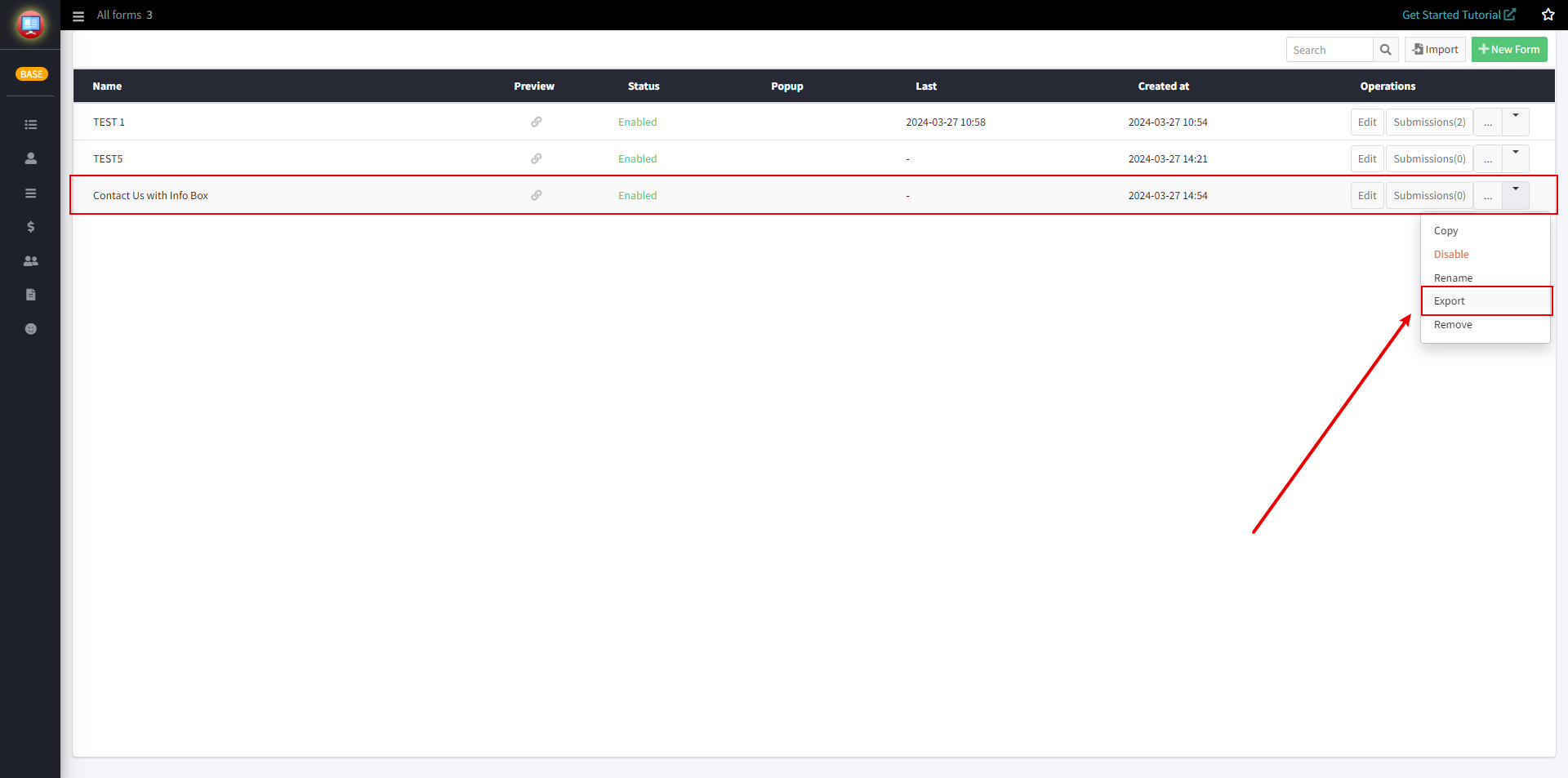
1. Please select the form to be exported, click on the downward triangle on the right side of the form, and then click on the Export button.
For example, you need to export a form named "Contact Us with Info Box". Click on the downward triangle on the right side of the form, and then click on the "Export" button in the dropdown menu.
2. Click on "Copy form creation code" on the new page.
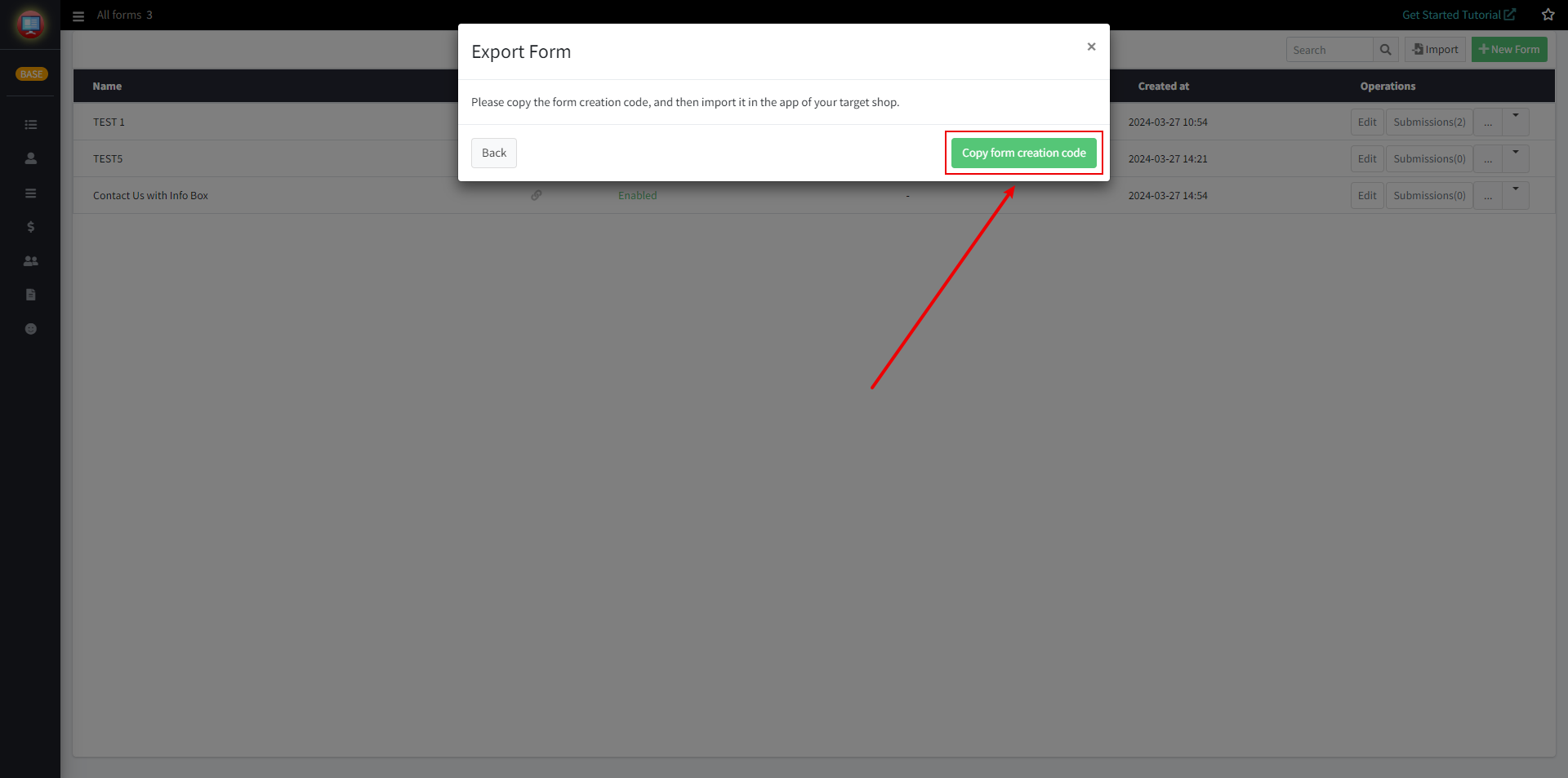
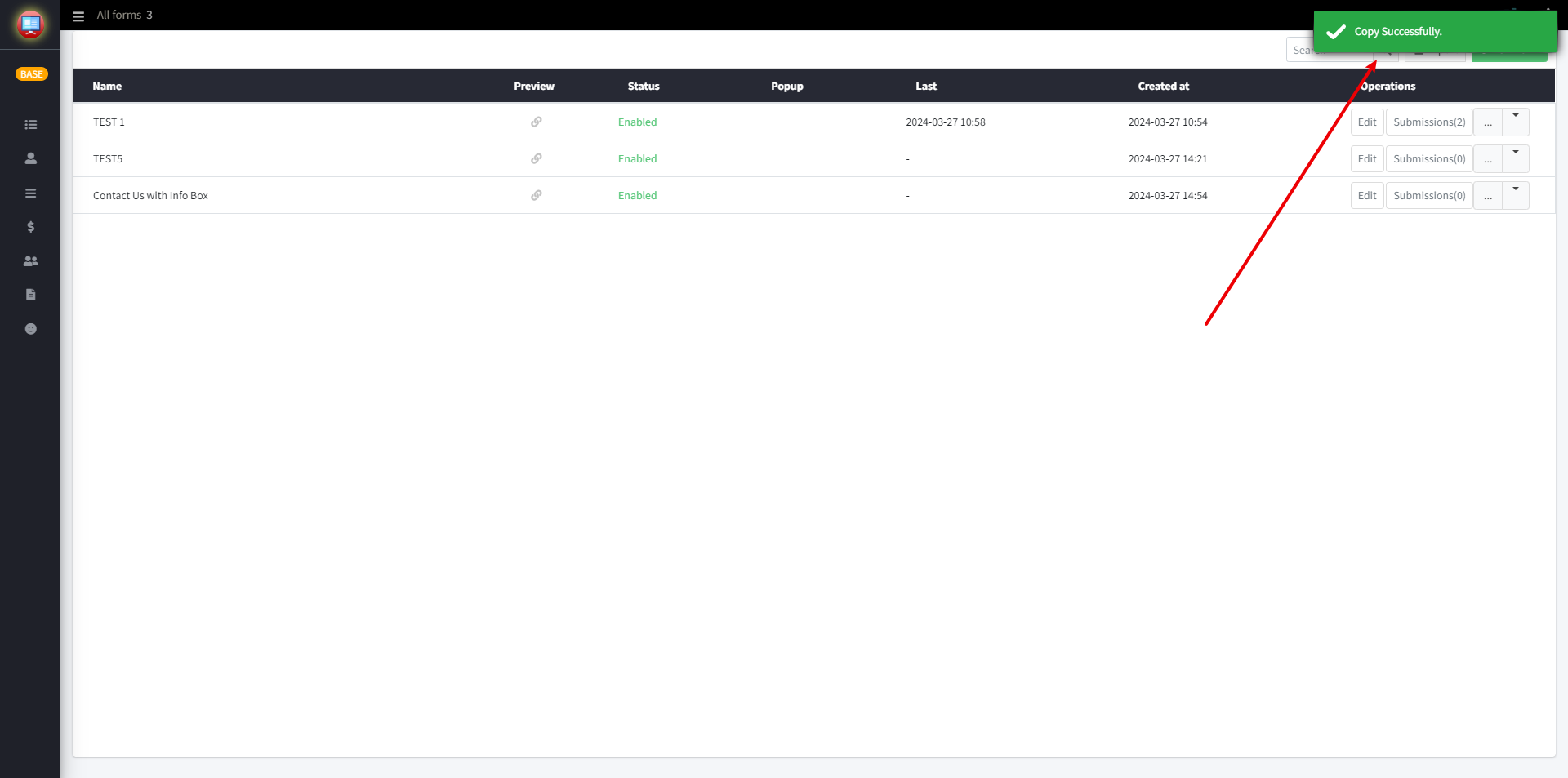
When you see the prompt "Copy Successfully," you are done.
Step2: Import the forms you need into the new Pify Form Builder
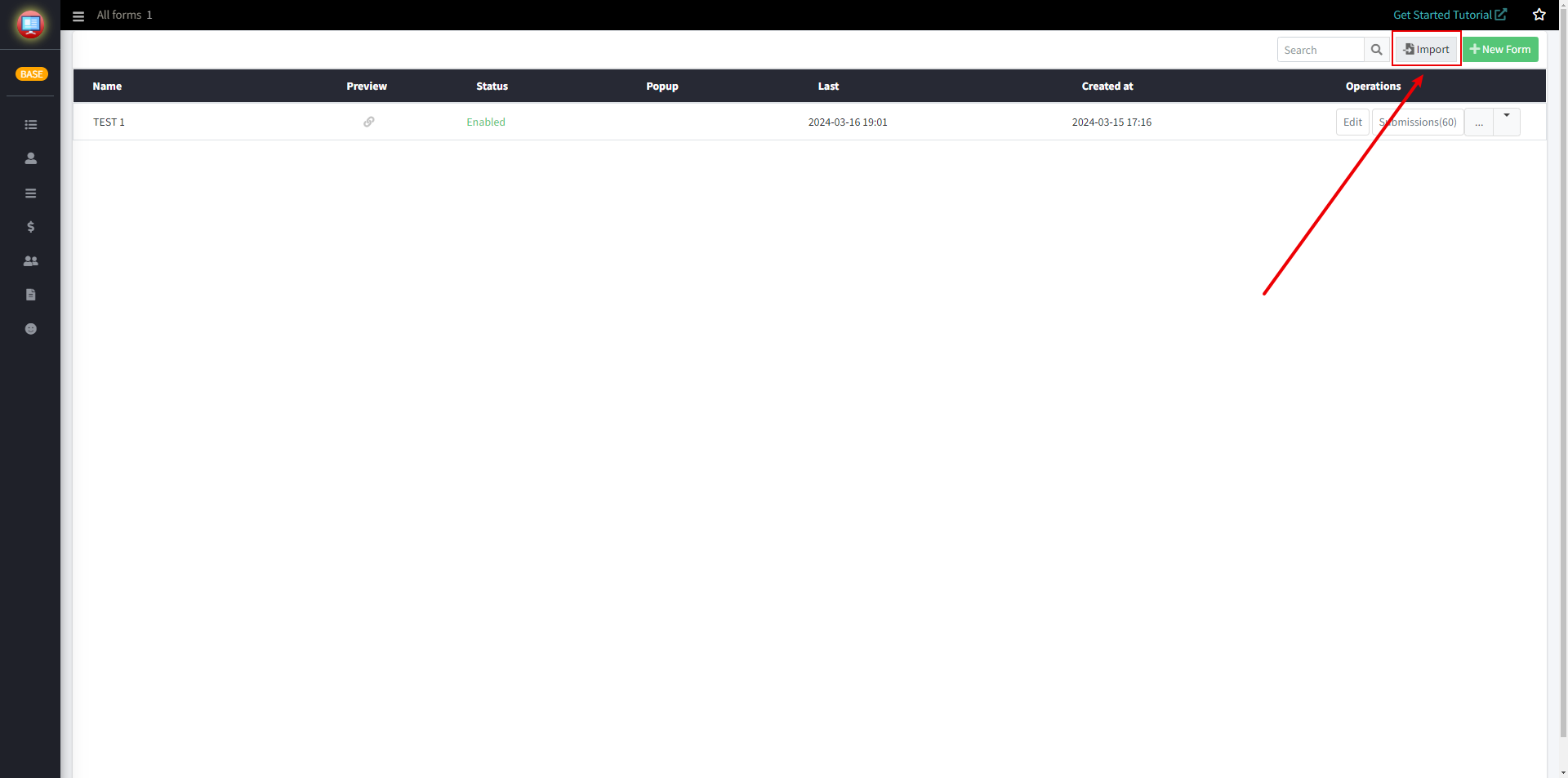
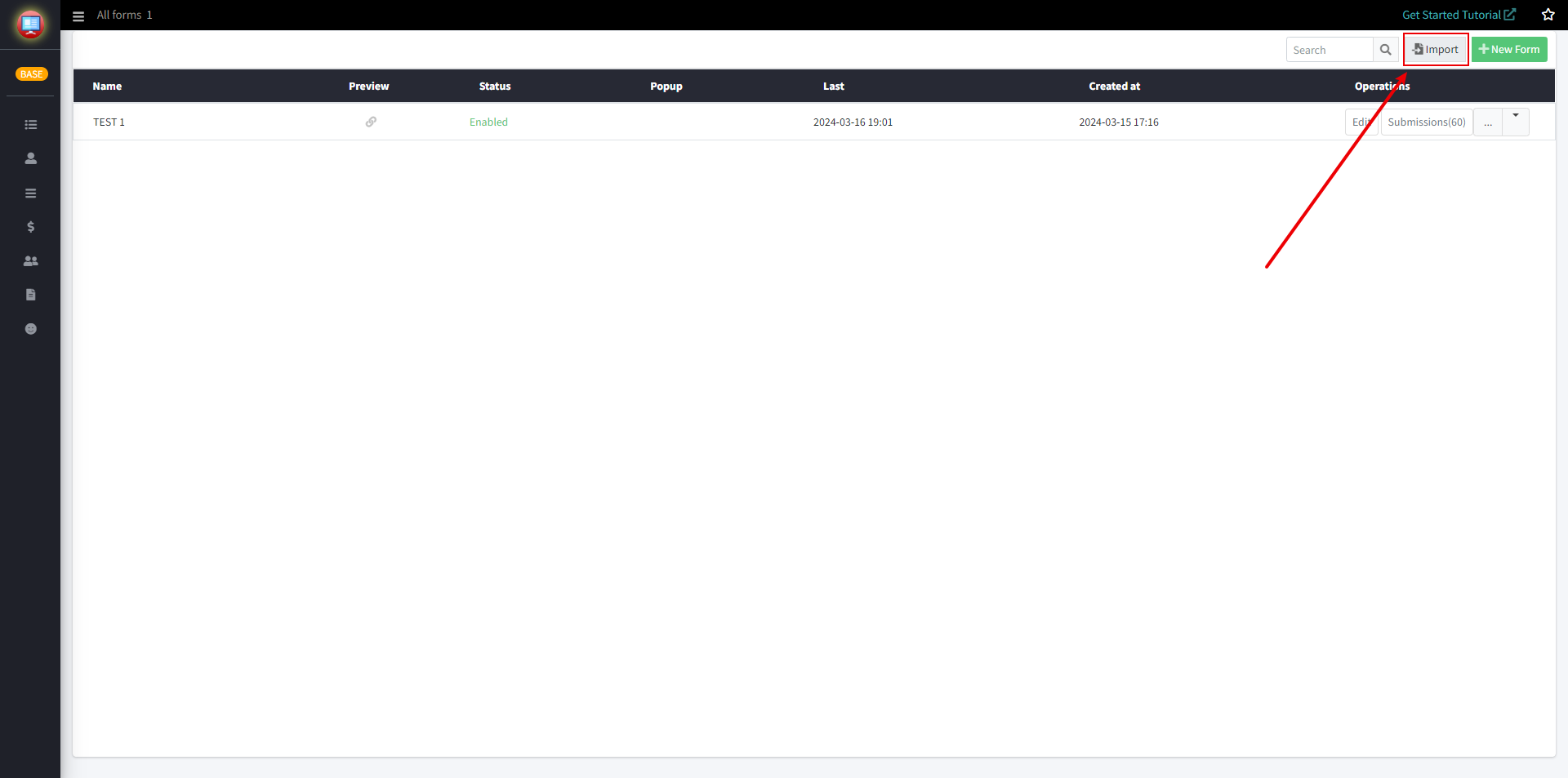
1. Click the "Import" button located in the top right corner of the app
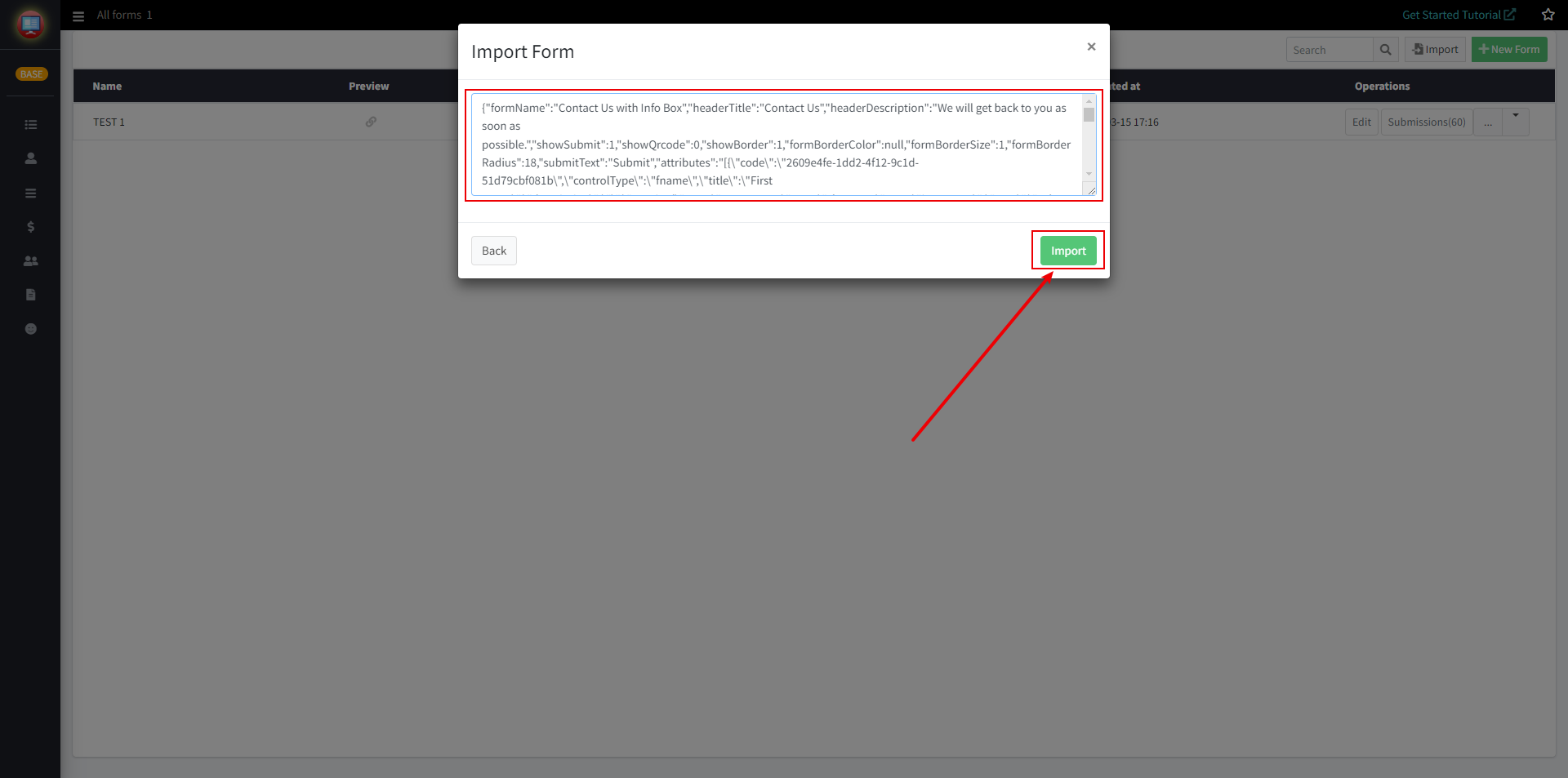
2. Paste the previously copied form creation code into the input box on the new page, Then click "Import"
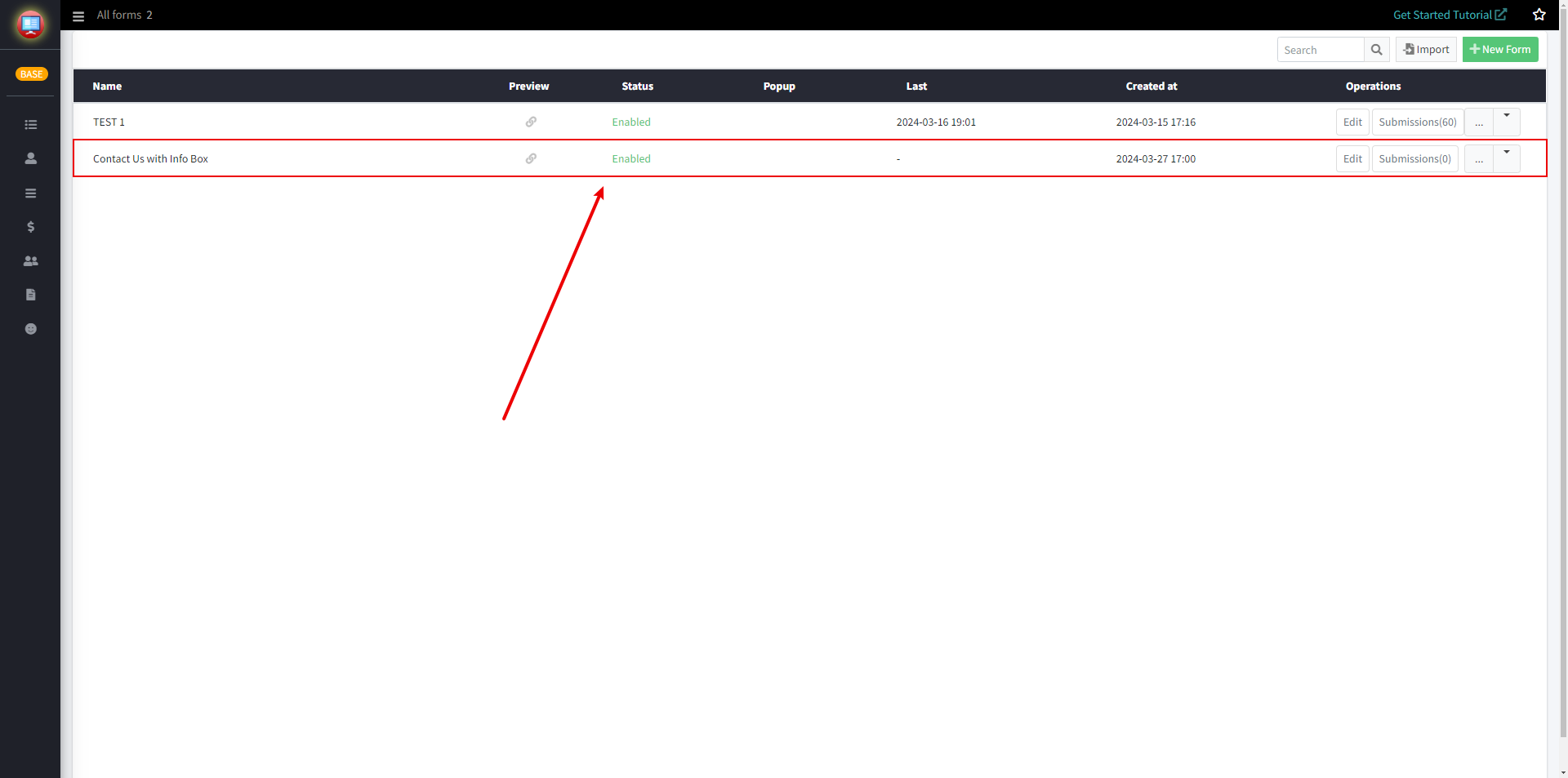
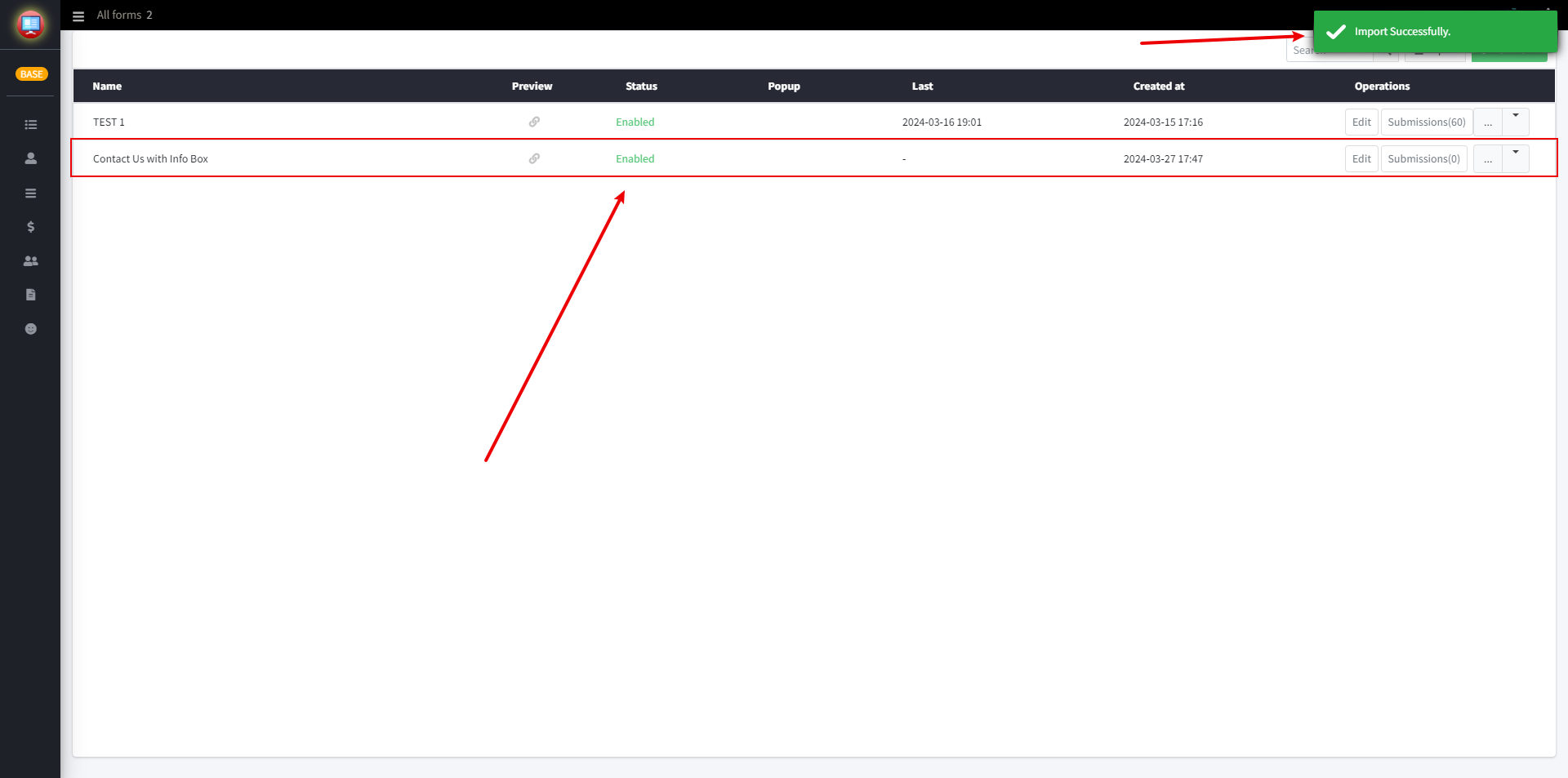
When the "Import Successfully" prompt appears, it means that the import process has been successful. You can view the imported forms in the form list.
If any problem, feel free to contact us for support directly.